
Watch while the release is still fresh
When an album grabs you, go straight into videos instead of leaving the discovery flow and starting over elsewhere.
Videos
When a release hooks you, open videos inside the same product flow so you can decide faster what deserves your time, your tracker, and a deeper listen.


Built for the moment when a title catches your eye and you want to see more immediately.
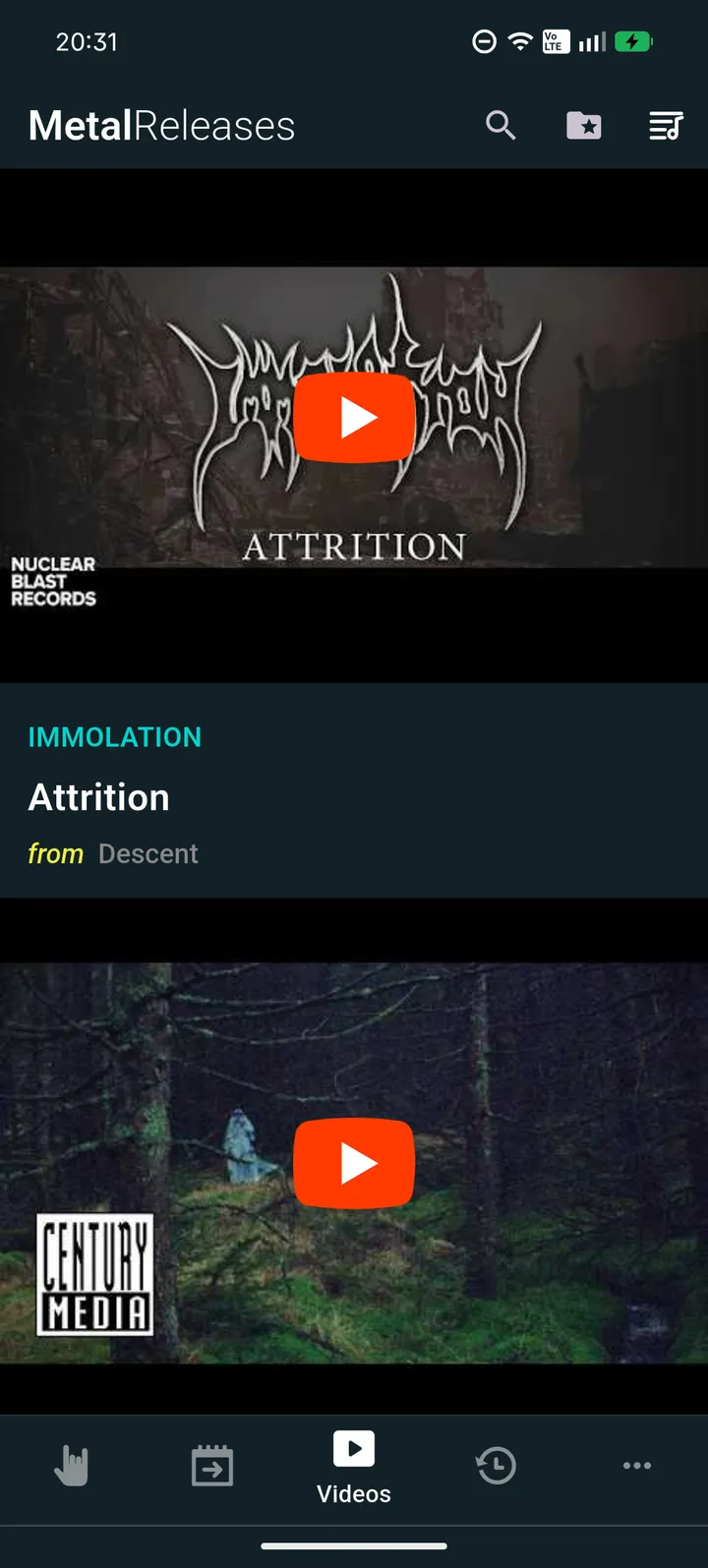
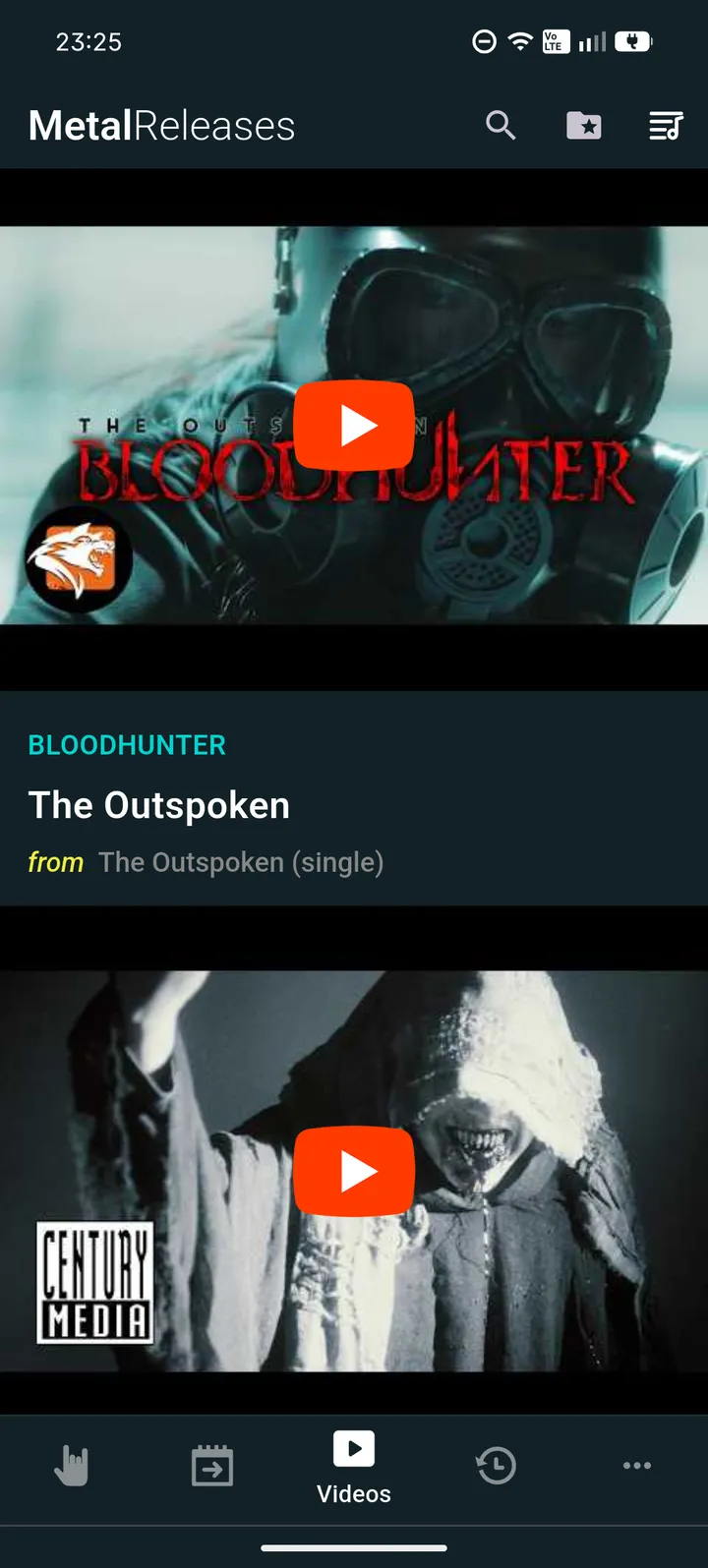
When an album grabs you, go straight into videos instead of leaving the discovery flow and starting over elsewhere.
Videos make more sense when they stay close to the release, artist, and album detail page that led you there.
Use video browsing as the next step after discovery, not as a separate task you forget to come back to.
Keep the Momentum Going
Videos are most useful when they are close to the release that led you there. Instead of breaking the flow, they help you decide whether the album deserves more time.
That makes the videos view feel like a real feature, not a side link you forget to revisit later.
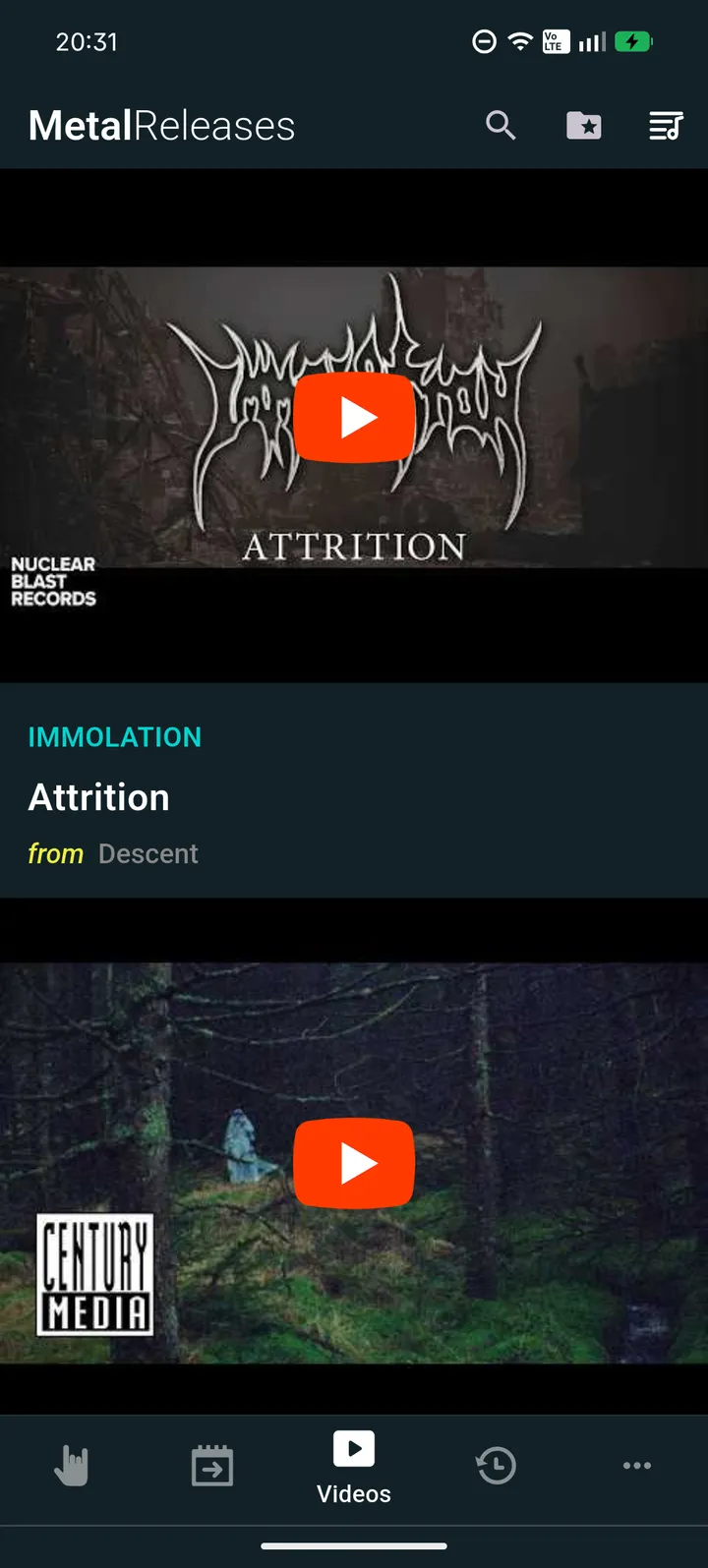
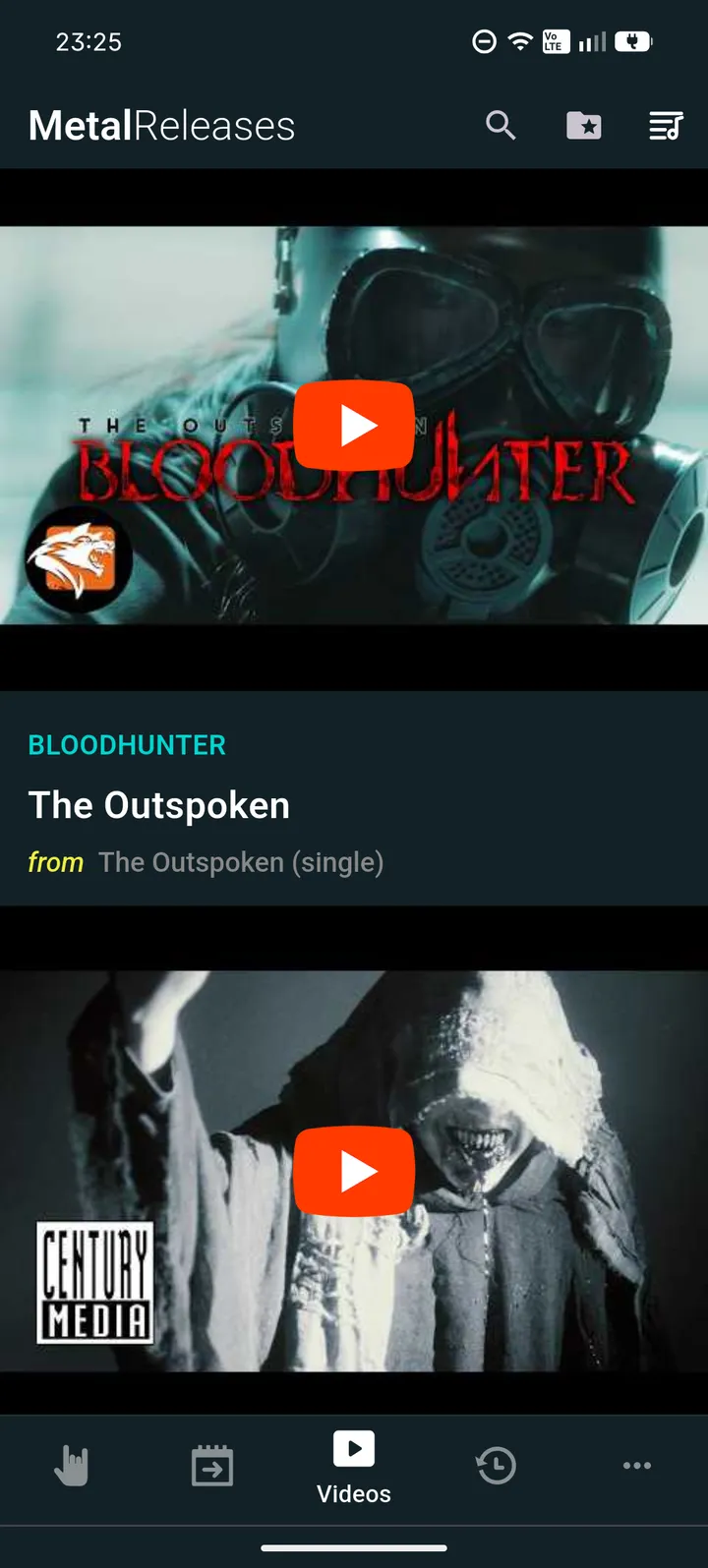
Connected Discovery
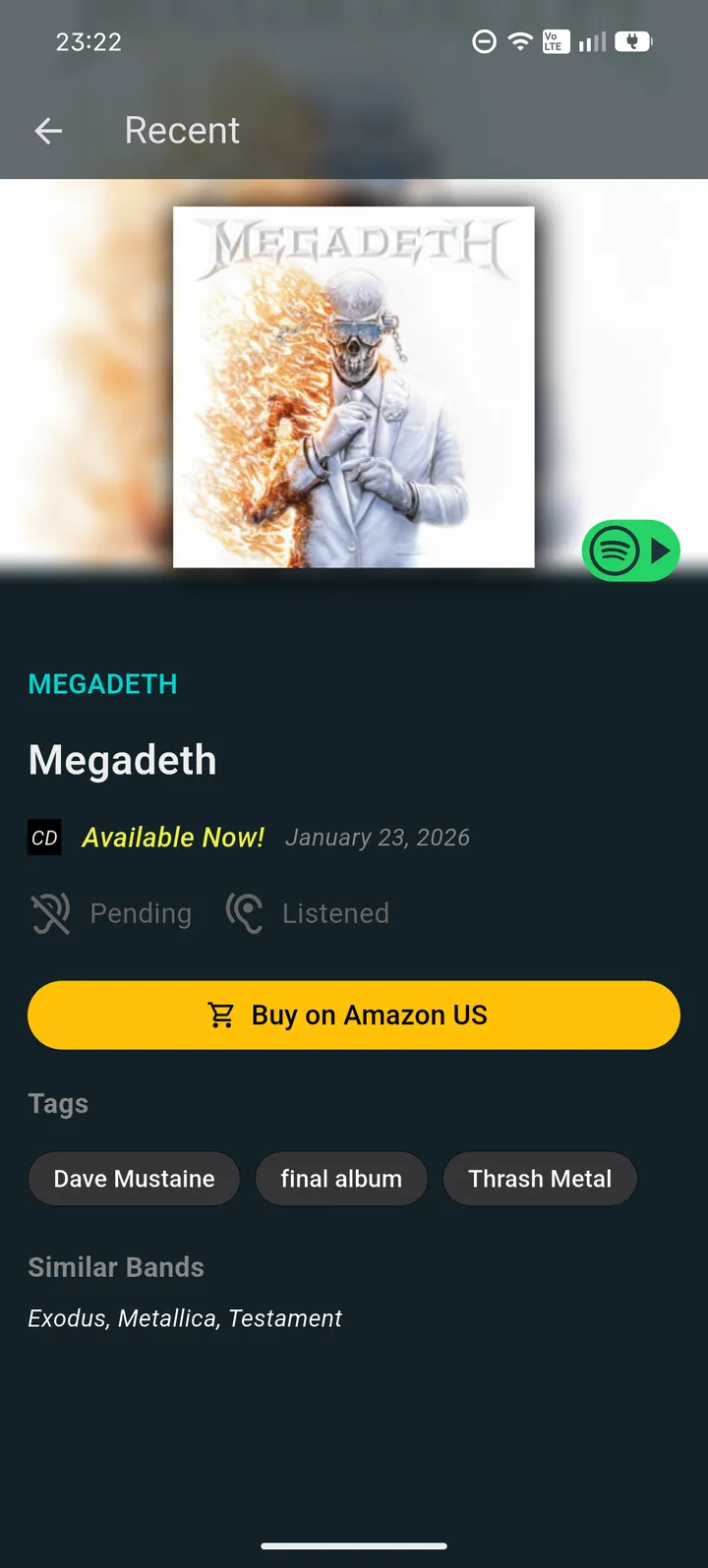
The strongest product flow is the one where you can move from a release into detail, then into video, without feeling like you left the product behind.
Related Feature
Start with what just landed, then open videos for the releases that stand out.
Open page ->Related Feature
Track what is coming next and keep future releases visible before launch day.
Open page ->Related Feature
Keep the albums you care about organized after a video convinces you to follow up.
Open page ->FAQ
Because discovery often does not stop at the release title. Videos help you decide whether a record deserves more attention while it is still on your mind.
No. Videos work best as part of the same flow, alongside album details, recent releases, and your own tracker.
Yes. They are useful when you want a faster feel for a release before deciding to save it, revisit it, or move deeper.
Yes. Videos are one part of the broader discovery path, not a separate dead end.